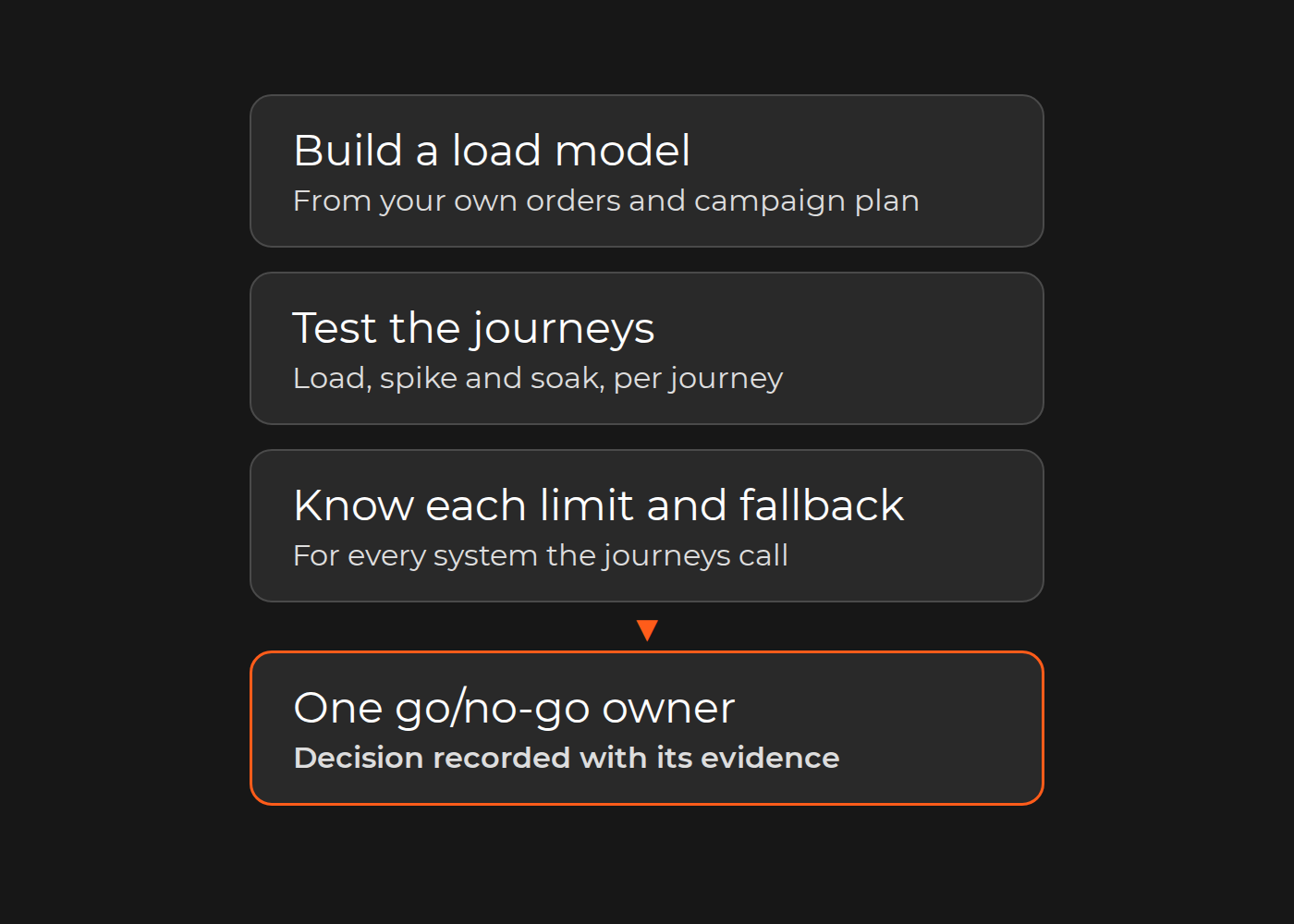
Most peak-day failures start in a dependency, not on the homepage. Readiness is proven by a load model, test results per journey, and a known limit and fallback for every system those journeys call.
When a sale slows a store, the cause usually sits behind the page: a search service at its quota, a stock or price lookup waiting on the ERP, a slow payment authorization, a backed-up order export, or an app throttled by a platform API.
You know the store and the systems behind it will hold when, before the campaign starts, you have:
a load model built from your own order history and campaign plan;
load, spike and soak results for the journeys that call those dependencies (search and filter, add to cart, checkout, payment and order export), run on a production-like environment against agreed-upon thresholds;
the limit of each dependency and what happens beyond it;
a fallback for each dependency, and one owner of the go/no-go call.
On SaaS platforms, you test your own apps, APIs, headless frontend and integrations within the vendor's rules, not the vendor's platform. This guide treats ecommerce load testing as that pre-peak gate; always-on speed and uptime checks belong to ecommerce monitoring.
The peak readiness sheet
Fill in one sheet per event, as the input to the go/no-go meeting.
Part
What to record
Who fills it in
1. Load model
Peak orders per hour, sessions, cart-to-order ratio and campaign-start spike, from your own history and campaign plan
Ecommerce analyst with marketing
2. Journey and dependency results
For each journey: test type (load, spike, soak), target, observed p95 latency and error rate, limit found, owner
Engineering lead
3. Dependency limits register
Rate limits of the platform API, payment provider, ERP gateway, search, tax and shipping services, and what happens when each is exceeded
Integration owner, with each system owner
4. Fallbacks
Queued order export, cached price and stock reads with a final check at order placement, heavy recommendations switched off, a waiting room
Engineering lead and head of ecommerce
5. Event controls
Change-freeze window, on-call and rollback contacts, go/no-go owner
Head of ecommerce or COO
Worked example (fictional, for illustration only). A toy retailer on Magento 2 expects four times its normal peak hour during a December promotion.
Load model. Last December's busiest hour brought 300 orders and 12,000 sessions, with three carts per order. The plan targets four times that: 1,200 orders, 48,000 sessions and 3,600 carts. Last year, 30% of the first hour's sessions arrived in the ten minutes after the promotional email, so the spike test ramps up in two minutes.
Thresholds, agreed on before testing. Checkout p95 at or below 3 seconds; errors below 1% of requests.
Journey
Main dependency
Test
Result
Limit found
Owner
Search and filter
Search engine
Load at 4×
p95 0.9 s, errors 0.1%
None found at 4×
Ecommerce lead
Add to cart
Stock check through the ERP gateway
Spike to 3×
Gateway queue grew
Gateway capped at 20 requests per second
ERP owner
Checkout
Stock check per cart line; tax and shipping apps
Spike to 3×
p95 rose from 1.8 s to 9 s; errors above 1%
Same gateway cap
ERP owner
Payment
Payment provider, mocked
Load at 4×, latency sampled from live calls
Within thresholds
Provider's documented limits recorded
Payments owner
Order export
ERP order API, same gateway
Spike to 3×
Order placement waited for the export
Same gateway cap
Integration owner
Checkout, retest
Cached stock, queued export
Spike to 4×
Within thresholds
None at 4×
ERP owner
Order export, soak
Export queue and ERP order API
Soak at 4× for 4 hours, after the fix
Queue depth stable; no duplicate ERP orders
None found
Integration owner
Fixes and fallbacks. Availability is cached for 60 seconds, with a final reservation against the ERP at order placement. Order export moves to a queue with idempotent retries, so a timeout cannot create a second ERP order. Popular search results are cached, shipping can fall back to flat rates, a contracted backup payment provider is tested, and a waiting room is configured but off.
Event controls. Changes freeze from the retest until the promotion ends. The ERP, integration and payments owners are on call, the engineering lead holds rollback, the ERP team adds a queue-depth alarm, and the head of ecommerce owns the go/no-go call.
Fictional example: the five journeys tested before a December promotion, with each dependency's limit and fallback. The ERP-gated stock and price check failed first; checkout calls it too.
Where peak failures start: dependencies, not pages
Product and category pages are usually cached, so extra visitors cost little there. Filtered search, cart updates, checkout, payment and order creation are personal or stateful and mostly uncacheable, and each calls another system with its own limit.
AWS's Well-Architected guidance warns: "A shared database or downstream dependency may saturate before the component under test does." AWS also warns that "uncontrolled retries turn a small impairment into a large one."
Usual first-to-fail candidates:
a synchronous stock or price call for every cart line, on every cart and checkout page load;
an ERP or OMS gateway with a fixed request rate, shared by stock checks and order creation;
search, tax, shipping-rate and fraud services with quotas or slow responses;
apps throttled by a platform API.
Build a load model from your own order history and campaign plan
Use your own history, not industry figures. From the last comparable event, take:
Peak orders per hour, from the order database rather than analytics alone.
Sessions in that hour, and the share that search, add to cart and reach checkout: your journey mix.
Cart-to-order ratio. Carts load stock and price services even when they never convert.
Campaign-start spike. Traffic after an 08:00 email does not spread evenly across the hour.
Multiply by the campaign factor and agree on it with marketing in writing. Two of AWS's load-testing anti-patterns apply here: test traffic that "uses a narrow set of requests rather than a representative mix of real ones", and tests that "stop at a small margin above expected load and never find the breaking point."
The test environment also needs production-like data volume, since catalog size and price rules change query cost. On Adobe Commerce and Magento Open Source, Adobe's data generator (bin/magento setup:perf:generate-fixtures) builds test catalogs from small to extra-large profiles.
Load, spike and soak tests: what each one proves
Grafana's k6 documentation defines the test types:
Test
k6 definition
What it proves before a peak
Average load
"assess how your system performs under expected normal conditions"
Your baseline p95 and error rate
Spike
"validate the behavior and survival of your system in cases of sudden, short, and massive increases in activity"
Whether the campaign-start surge breaks a dependency
Soak
"assess the reliability and performance of your system over extended periods"
Whether queues or connection pools grow over a long sale day
Breakpoint
"gradually increase load to identify the capacity limits of the system"
The first limit, and the metric that warned of it
Start with a smoke test, keep load shapes simple and run more than one type: in k6's words, "no single test can uncover all issues."
Integrations under pressure: payment, ERP/OMS, search and apps with rate limits
Take each limit from its owner's documentation or configuration, not from memory.
Platform APIs. Shopify states that "most Shopify rate limits are enforced with a leaky bucket algorithm" and that "Shopify may temporarily reduce API rate limits to protect platform stability." Custom apps need a queue, a backoff (Shopify recommends one second) and a test at campaign volume.
Payment providers. Stripe, for example, lists a global limit of 100 requests per second in live mode and 25 in a sandbox. It "generally discourage[s]" load testing against its sandbox "because API limits are lower in a sandbox", and recommends mocking its API in load tests, with latency sampled from real live-mode calls.
ERP and OMS. The limit is often your own gateway or middleware setting. Ask the owner for the number and the behavior beyond it: queue, reject or time out. Test traffic lands in a shared system, so the ERP owner agrees on the test window.
Search, tax and shipping services. Check the contract for quotas and the response beyond them.
Synthetic orders. Mark them with a test customer group or email domain so the export sends them to an ERP test company or cancels them, never to fulfillment or finance, and clean them up before the go/no-go meeting.
SaaS or self-hosted: what you may and may not load test
For Adobe Commerce on cloud infrastructure, Adobe asks you to "enter a ticket with support advising the environments you are testing, what tools you are using, and the time frame" before testing Staging or Production.
On Shopify, the platform scales the storefront. Its Terms of Service say merchants agree not to access the Services "using any robot, spider, scraper, or other automated means." Its bot glossary describes authorized load tests as those "conducted with prior permission", and its go-live guide for Oxygen-hosted Hydrogen storefronts (now marked legacy, versions 2026-04 and earlier) warns that its "anti-bot System might recognize your load test system as bot traffic and throttle it", asking you to coordinate a scheduled test with your Merchant Success Manager or Shopify Support "three to five weeks in advance of your go live date."
So on SaaS, test what you own: custom apps, middleware, the headless frontend and ERP connectors, within the vendor's rate limits.
Fallbacks, waiting rooms and graceful degradation
AWS describes the goal: "Graceful degradation converts hard dependencies into soft dependencies, so a component continues to deliver its core function even when a dependency is unhealthy." For a store, that means:
Stock and price reads: a short cache, with a final check or reservation at order placement, so nothing sells on stale data.
Order export: a queue with idempotent retries, so order placement does not wait for the ERP.
Heavy features: recommendations, personalization and live widgets behind a switch.
Shipping rates: Shopify's flash-sale guidance suggests merchants "consider deactivating shipping apps and carrier-calculated rates for the duration of your sale."
Payment: a backup provider, only if it is already contracted and tested.
Waiting room: admits shoppers at a rate the slowest dependency can take, when demand exceeds a limit you cannot raise in time.
Cap retries, with backoff and jitter, at one layer. Exercise each fallback during the test run: as Google's SRE book warns, "the code path you never use is the code path that (often) doesn't work."
Change freeze, monitoring and the go/no-go call
After the final passing test, freeze code and configuration until the event ends, except approved fixes: the build you tested is the build that runs. Agree on the release strategy and rollback for those fixes in advance.
During the event, watch the signals the tests used: checkout p95, error rate per journey, gateway request rate and order-queue depth. Check that alerts reach each on-call owner. If on-call and rollback cover is thin, plan it into your DevOps support and maintenance arrangement well before the freeze.
The go/no-go meeting reads the sheet and records one decision: go; go with named fallbacks on; change the campaign, for example by staggering email sends; or no-go. If the limit found is your own infrastructure, see our guide to cloud scalability.
Where Dinarys has met this problem
Two Dinarys case pages start from peak load:
Kontakt Home. The electronics and home appliances store's previous WordPress site could not handle a peak load of 7,500+ requests per second. Dinarys built a new Magento 2 store with a React frontend and Magento as API, integrated with the client's existing system. The page states no measured capacity for the new store.
Prostor. For the drugstore chain with 427+ locations, the omnichannel replatforming case names peak traffic, CRM/ERP integration and omnichannel as the urgent problems, and says performance patching was ruled out because the constraints were architectural. Early ERP sync produced inventory inconsistencies; the resolution "involved adjusting sync frequency and adding a validation layer".
Neither is a load-test result; both projects included integration with the client's existing systems.
Exceptions
Hosted SaaS storefronts. Do not load test a vendor-hosted storefront, Shopify's included, without the vendor's written agreement.
Third-party services. Payment, search and tax services need written permission before you send test load; otherwise, mock them. Payment sandboxes do not reproduce production limits.
Synthetic orders. They must never reach fulfillment or finance.
Staging. A test against an environment that differs from production "measures a system you do not run" (AWS). Staging results prove production capacity only when environment parity is documented.
Check your readiness
Before your next event:
Fill in part 1 of the sheet from your own order history and campaign plan.
Name each dependency's limit, its source and its fallback.
Run one spike test at the campaign multiple on a production-like environment.
Record the go/no-go decision, its owner and the evidence behind it.
If any dependency has no known limit, or any fallback has never run, the sheet is unfinished.
A passing test shows that the tested build handled the tested load on the tested environment. It is not a promise about the event day; that is why fallbacks and a go/no-go owner are on the sheet.
FAQ
How far ahead of a peak should we load test?
Early enough to fix what fails and retest before the change freeze, plus any vendor's lead time. Shopify's legacy go-live guide for Oxygen-hosted Hydrogen storefronts asks for three to five weeks; confirm the current lead time with Shopify Support or your Merchant Success Manager.
Can we load test in production?
Yes, as a planned game day: AWS describes running it "during a period of low customer usage" with "the responsible people present to interpret results". Do it only with every dependency owner's agreement and with synthetic orders isolated.
What p95 and error thresholds should we use?
There is no universal figure: take your baseline from an average-load test and agree on the tolerance with the head of ecommerce, in writing, before testing.
Your next step
Fill in the load model and the dependency limits register for your next event; the gaps show where to start testing. If the results point to work your team cannot finish before the freeze, talk to Dinarys about ecommerce performance optimization.
You may share this article
Let professionals meet your challenge
Our certified specialists will find the most optimal solution for your business.