Content
E-Commerce
Why New Products Wait Weeks Before Going Live
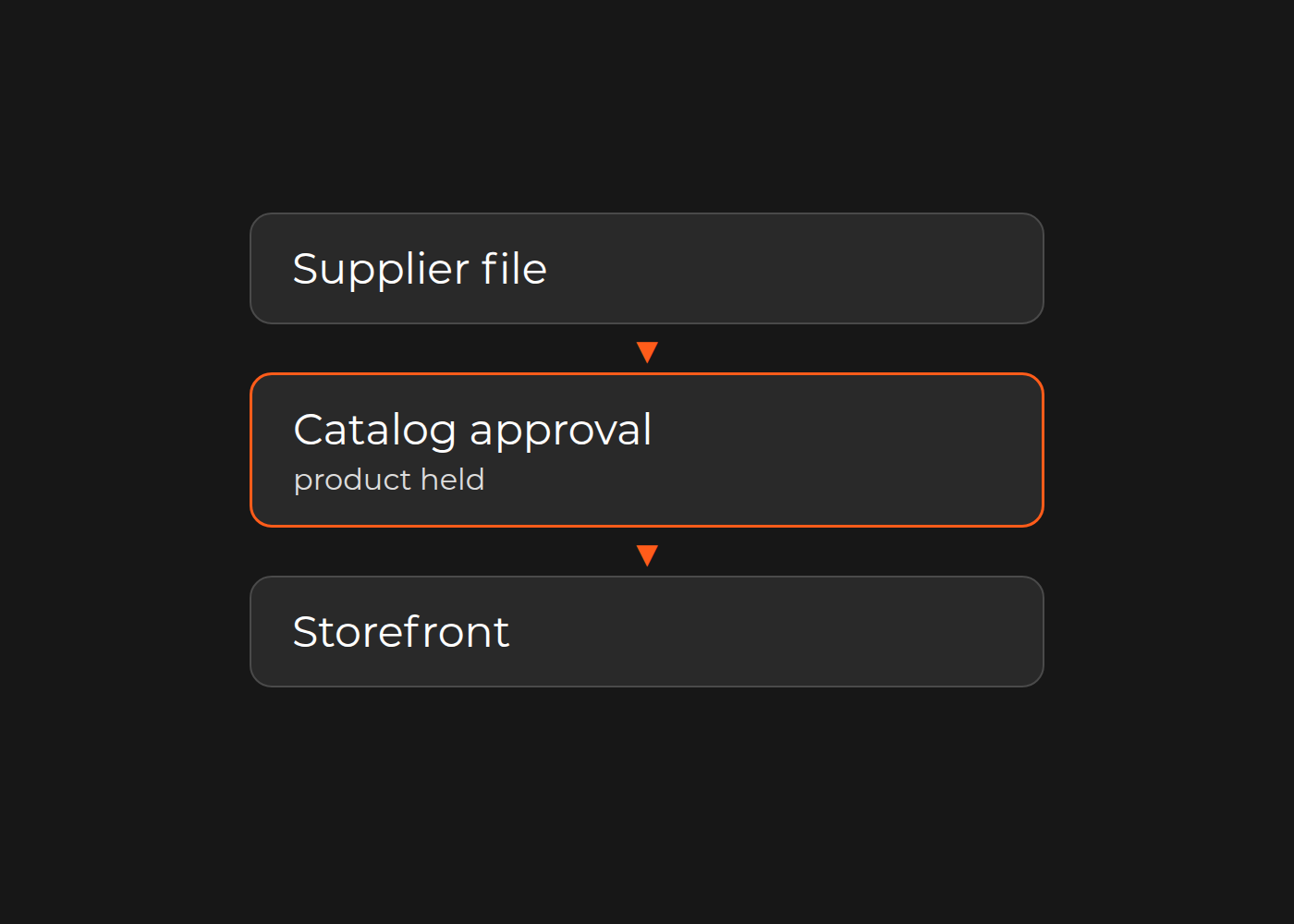

The product is in the warehouse, but it still is not for sale. Between the supplier PDF and the storefront, a required attribute, an approved image or a publication decision is missing. Asking editors to type faster will not remove a wait for supplier clarification or permission to publish.
Find where the product waits and why before buying another system. For catalog, merchandising and ecommerce teams, the useful distinction is between elapsed launch time and hands-on effort. A few minutes of preparation can sit inside days of waiting and repeated handoffs.
Read one product's journey before judging the queue
Here is one fictional editorial example, not a client result or a typical delay benchmark. One product is received on day 0, mapped on day 3, reviewed for media on day 5, approved on day 9 and verified live on day 10. Its work log contains 45 active minutes in total, without a per-stage allocation. It also records waits for source clarification and image approval.
Elapsed launch time and hands-on effort are different measurements. The milestone dates show where to ask questions, but do not tell you exactly how long each task or wait took. That needs entry and exit times for the waiting states, alongside the work log.
The same intake batch contains 24 SKUs in total. Its oldest unfinished item has waited 11 calendar days. Measure your own category's elapsed time to establish whether the delay is days or weeks; neither figure here is a market benchmark.
What the waiting states can reveal
Supplier values need clarification, not more writing
One supplier calls a field “size,” another supplies several dimensions, and a third embeds values in a PDF. Matching field names can still mean product dimensions, packaging dimensions or a multipack's contents.
Agree identifiers, variant relationships, required fields, permitted units and allowed values for the category. Then distinguish:
- Present and usable: an explicit product width of 40 cm.
- Present but inconsistent: the same dimension stated as 400 mm, requiring an agreed conversion.
- Missing or contradictory: “size: see pack” without the referenced specification, requiring clarification.
Preserve the source and meaning of each value. These examples assume the same dimension; they do not make similarly named fields interchangeable. Grouping every problem under “needs enrichment” hides which work can be mapped and which needs a supplier answer.
Product data, images and descriptions do not match across channels
An approved product can point to an old image, a previous localized description or media inherited from the wrong parent variant. Define which system owns each field or asset relationship, who may edit it and which approved version the channel should receive.
A shared folder is not an approval record. Check the image against the product, variant, language and target channel, including usage rights where relevant.
Nobody owns the final publication decision
Catalog, merchandising and ecommerce may each expect someone else to approve the record. Alternatively, approved data may reach a channel and fail its validation rules.
Separate data ready, approved for the channel, accepted by the channel and verified live. A successful export is not the finish line: check the destination product, variant, category and relevant filters. Name who can resolve a rejection and who confirms the product is actually for sale.
Put the unfinished products back into the picture
Use one primary blocker per SKU in the current queue snapshot so counts reconcile. Record secondary blockers separately. The snapshot below continues the fictional batch; ages are since intake, not time spent in the current state.
| Current state | SKUs | Oldest age / next owner |
|---|---|---|
| Verified live in the selected channel | 10 | No current queue age; retain publication times |
| Waiting for required attributes | 8 | 11 calendar days; catalog owner follows up with supplier |
| Waiting for approved media linkage | 4 | 8 calendar days; content owner checks product/variant image |
| Approved data, channel validation incomplete | 2 | 6 calendar days; IT and ecommerce check rejected allowed value |
| Total intake batch | 24 | 14 not yet verified live |
The snapshot tells you what is blocked now. The individual event log tells you how it got there. Use consistent calendar or business-time definitions. Do not add each worker's waiting time to calculate end-to-end lead time: overlapping waits can double-count the same delay.
A faster task does not necessarily shorten a wait
Suppose a tool reduces one 15-minute preparation task to five minutes. It saves ten active minutes for that item if checking and correction effort stay unchanged. If supplier clarification and image approval still wait, the product may miss the same launch window.
The eight attribute-blocked products need different treatment depending on the evidence: request truly absent facts, map explicit stable units, or evaluate source-linked extraction for variable formats. Unknown required facts must still block publication. The two channel-blocked products instead need their allowed-value mapping and destination response checked.
Do not report only the ten successful SKUs' average lead time. Include the 14 unfinished items with their ages and blockers so apparent speed does not improve simply because difficult products never launch.
Choose the category to map first
Pick a category with a clear launch consequence, real supplier files and an available catalog owner—not necessarily the most SKUs. Keep the initial view to one family, one source type and one channel rather than averaging unrelated formats together.
Your first output is a category, representative source file/version, required-field list, queue snapshot and work/wait log. For each product and channel, link the exact source-value location, waiting-state entry and exit times where known, reason for the wait, next owner, intake/publication times, active work and destination response/live-check evidence.
The product-data manager owns the queue and quality view; ecommerce checks publication; IT checks mappings and handoffs. Use existing PIM workflow, native validation or a straightforward mapping where sufficient. A small one-off import or acceptable low-volume queue may be better handled manually.
Once a sustained bottleneck is visible, use that baseline to compare PIM functions, rules and AI-assisted catalog optimization. Choose the intervention for the delay it can remove, not the amount of text it can generate.
Mapped your first category? See how Dinarys approaches PIM services and ecommerce catalog management, or contact us to discuss your own queue.


Let professionals meet your challenge
Our certified specialists will find the most optimal solution for your business.