Content
E-Commerce
From Product Configuration to Production Without Manual Re-entry

The customer has configured the product. The order is paid. Yet a manager still calls to confirm dimensions, recalculates the price and types the same options into a production document. Where does the process stop scaling?
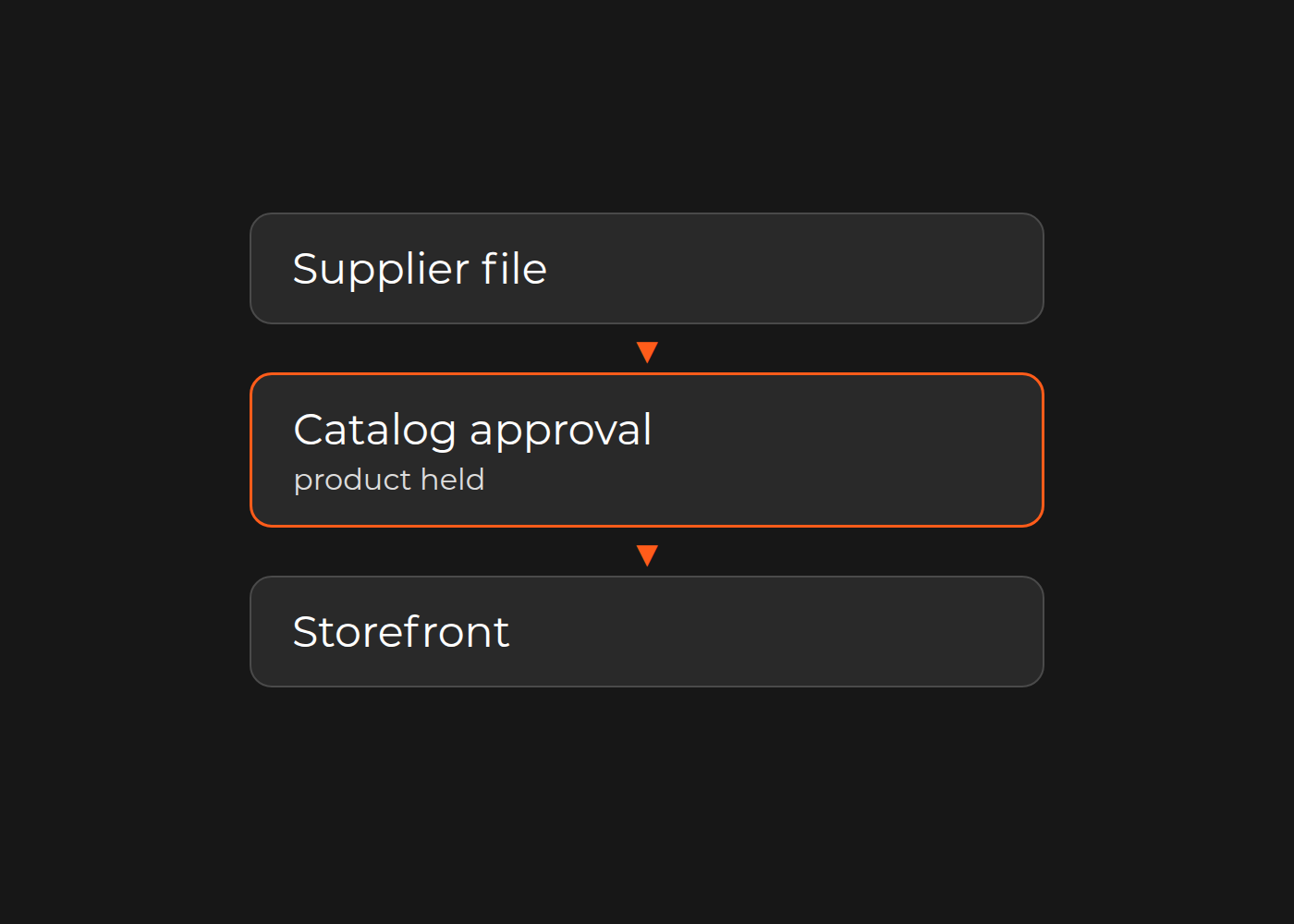
One explanation is that the customer selection, priced order and production specification describe the product differently, and nobody has checked that they agree. The clarification call performs that check by hand. Test this on one product family: a missing rule, ambiguous field, lost revision and genuine expert decision require different changes.
Manual checking may currently be protecting production. Removing it before making its rules explicit would remove a control, not just administrative work.
Three owners need three views of the same product
A configurable product has at least three descriptions: what the customer selected, what the business priced and what production needs to make. The formats can differ; the meaning and revision must agree.
Commercial: what was sold, and on what price basis?
Keep the selected dimensions and units, option codes, price inputs, calculation version and approval reference. If a manager recalculates every order, establish whether the calculation is repeatable or the order genuinely needs a new quotation. A later change must not silently retain a price or approval belonging to an earlier configuration.
Production: is it makeable, and is the specification sufficient?
The production owner defines allowed combinations, restrictions, mandatory specification fields and exceptions. An attractive preview cannot resolve a missing material code; a complete PDF cannot make an impossible combination valid. Check whether restrictions were known before checkout and whether this product family can actually be standardized.
IT and operations: did the accepted values reach the right output?
Trace structured values from selection to the order and specification. Distinguish missing or mislabeled fields from values that exist but are not transferred. Link order ID, configuration revision, artwork revision and approval. Operators should not have to search attachments to guess which file is current.
Follow FP-104 to its point of rejection
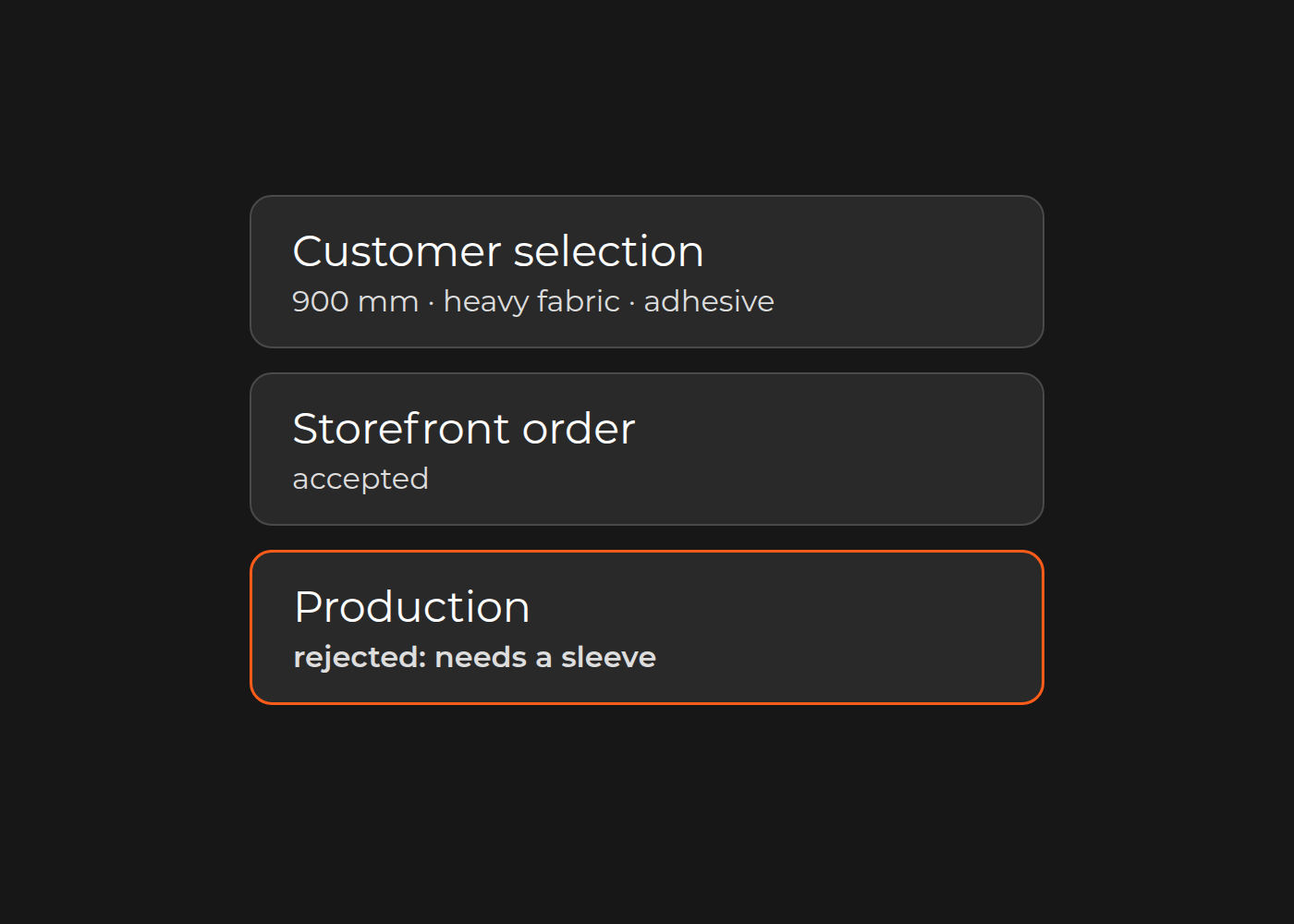
Fictional illustration, not a client case: a seller makes printed fabric panels, 400–1,200 mm wide. In this invented process, light fabric supports adhesive mounting; heavy fabric requires a stitched mounting sleeve. These are example rules, not material or manufacturing guidance.
Order FP-104 contains a 900 mm heavy-fabric panel with adhesive mounting. The storefront accepts it. Production returns it, and a manager emails the buyer to change the mounting. The missing control is compatibility before acceptance—not simply document generation.
For this family, an intended order path would:
- Store width and unit, fabric code, mounting choice and artwork reference—not only a preview.
- Reject heavy fabric plus adhesive with a useful reason: “This fabric requires a mounting sleeve. Change mounting or choose light fabric.”
- Check required dimensions and artwork; send unknown required values to review instead of silently defaulting them.
- Calculate from the valid combination and approved price-rule version. Show any changed price before renewed approval.
- Associate confirmation with the configuration and artwork revisions.
- Generate the agreed specification from accepted values and have production confirm it contains what operators need.
“Ready for production review” and “released for manufacture” remain different states when an operator must make the final decision. A human-readable specification also does not, by itself, establish a device connection.
Separate four kinds of manual work
- Clarification: information is missing or ambiguous before release.
- Re-entry: an existing value is typed again without adding a decision.
- Rework: a document, configuration or item must be corrected after an earlier step was treated as complete.
- Expert review: someone applies judgment that has not been reduced to an approved rule.
For FP-104, asking the buyer to choose mounting is clarification. Typing a known width again would be re-entry. Correcting a specification already treated as complete would be rework. Deciding an exceptional production request is expert review. The latter three are possibilities to look for in real orders, not additional events established for FP-104.
Do not count all four as “automatable manual work.” Removing repeated typing does not establish that the other decisions can disappear.
Bring one joint review sheet to commercial and production
Use actual orders to fill this map. The rows show questions to investigate, not further events in the fictional order:
| Handoff | Evidence to compare | Owner who confirms the rule |
|---|---|---|
| Options → valid selection | Selection, restriction and rejection reason; was an invalid choice accepted? | Production |
| Selection → price | Inputs, configuration revisions and calculation basis; did a change require repricing? | Commercial |
| Approval → specification | Approved width/unit versus exported width/unit and version; was an approved value retyped? | Production + IT |
| Artwork → production pack | Order reference, artwork revision and approval; can the operator identify the current file? | Operations |
| Exception → release | Decision, review authority and status; who may allow the order to proceed? | Production + IT |
For a representative set, record clarification reason, active handling time, waiting time, revisions and any remakes. Keep observations separate from assumptions. A wait for customer artwork is not the same problem as five minutes of repeated typing.
Decide whether the gap needs a small fix or a structural change
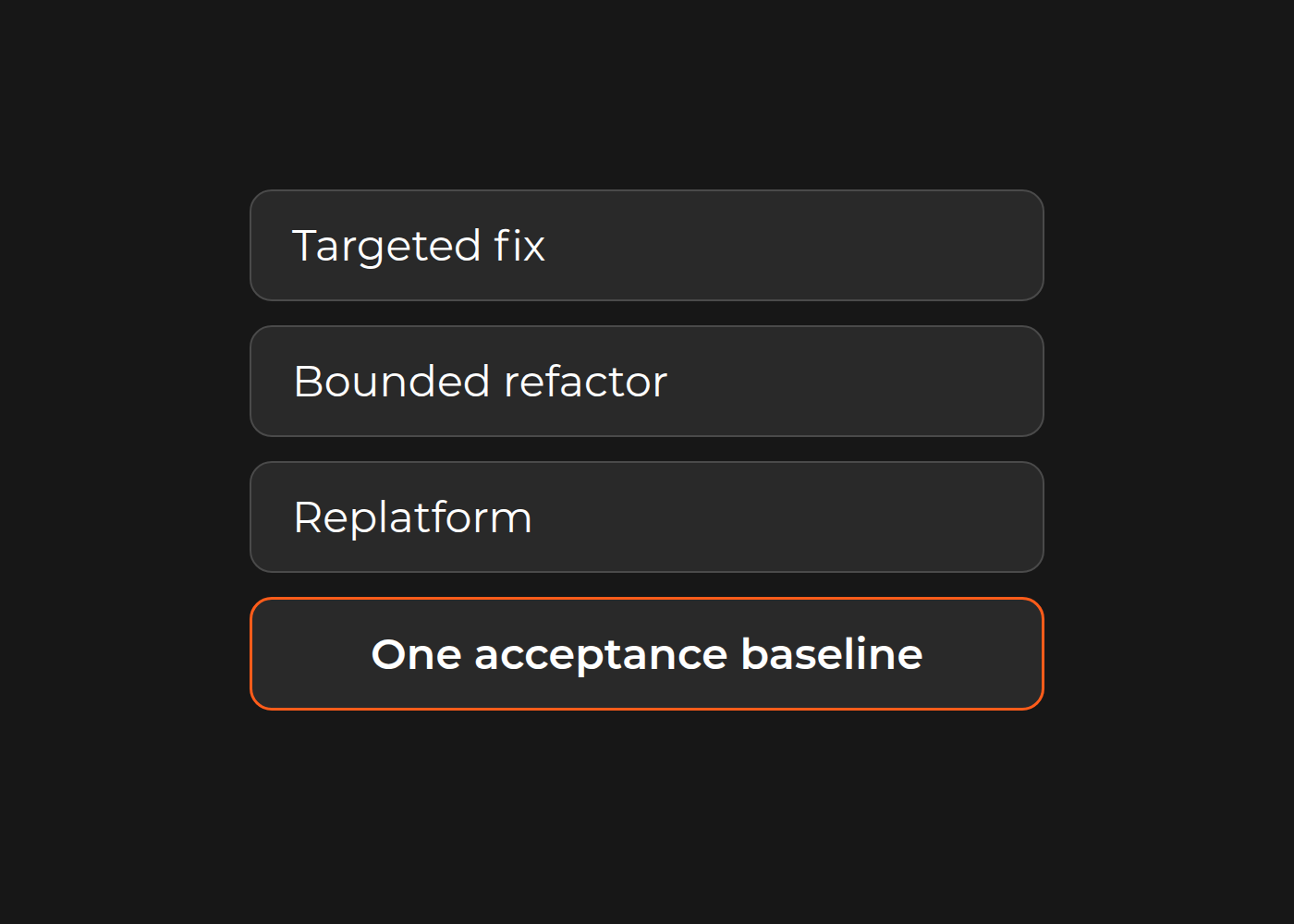
If valid selections already reach the order and one document field is missing, a template repair may suffice. If ordinary variants describe the family accurately, improve the existing commerce setup before commissioning a custom system. Fully bespoke engineering orders may still belong in quotation and expert review.
A broader configure-to-production change is worth assessing when repeated handoffs between rules, pricing, approval and specification are the actual constraint. Carry accepted values and revisions through those handoffs; verify the output with its receiving owner before removing the manual control.
Choose one product family and review a straightforward order, a rejected combination and a revised order with commercial, production and IT. Identify the first handoff that loses meaning, then compare configurators, web-to-print and custom rules against that gap.
Ready to review your own product family? Talk to the Dinarys team about the order flow you have mapped.


Let professionals meet your challenge
Our certified specialists will find the most optimal solution for your business.