Content
E-Commerce
Which Business Reports Can Break During an ECC to S/4HANA Transition?
Time to read: 5 minutes

The ERP program is moving toward S/4HANA. Who is checking whether the CFO will see comparable numbers afterward—and whether any intended change has been explained and approved?
Start with order-backlog and delivery-status reports, customer sales or supplier-spend reports, product-level reports, and pricing analyses that depend on changing ECC inputs. Also check decision-critical reports with manual adjustments or historical comparisons. These are candidates for review, not reports guaranteed to fail.
Prioritize high-consequence reports whose target mapping, test, or validation owner is still missing. Trace each critical measure to its ECC inputs and identify who must prove that the new path preserves—or deliberately changes—its meaning.
ECC-to-S/4HANA reporting checks, by report family
A “break” is not limited to a failed refresh. Users may see stale or incomplete figures, values under the wrong customer or product, a plausible total with a different meaning, or a new period that cannot be compared with history. Those symptoms do not diagnose a particular SAP change by themselves.
Order backlog and delivery status: test the selection rule
SAP's Sales data-model lesson describes status fields moving from VBUK/VBUP into corresponding document header/item tables.
For a custom backlog or fulfillment report, identify how status data is obtained and test included and excluded records against the approved rule. A changed storage model is not a finding that your BW extractor fails. If the target mapping or its owner is missing, record that gap rather than declaring compatibility.
Customer sales and supplier spend: check identities and roles
SAP's Business Partner explanation describes the BP role model and Customer/Vendor Integration, which synchronizes BP and customer/vendor objects.
Check identifiers, joins, and role-based selections behind the report. Do not assume BP and customer or supplier numbers are identical. Establish the identifier cross-reference and business validator before accepting the attribution of sales or spend.
Product-level reports: check key handling if longer numbers are in scope
SAP's material-master lesson describes extending the maximum material-number length from 18 to 40 characters, with explicit activation required to use longer numbers.
If that functionality is in scope, check field lengths and key handling in custom reports and connected systems. Do not assume every converted system uses longer numbers. Start with the planned configuration and interface path—not an instruction to activate or rewrite anything.
Pricing analyses: verify access and calculation together
The Sales data-model lesson also describes pricing results stored in PRCD_ELEMENTS, as well as a read-only fallback for older access. A custom report reading pricing persistence needs a verified target access path and a comparison of its approved price basis. A table-name substitution alone does not establish comparable condition selection, precision, rounding, or business calculations.
Have the responsible specialists record applicable release-specific items using the target-version selection described in SAP's Simplification Item Catalog lesson. These educational examples are review touchpoints, not a compatibility verdict. Extractors, fields, interfaces, and target behavior need exact source/target-version evidence.
Which reports need attention first?
Put these reports at the front of the review:
- Reports supporting a time-sensitive decision with no accepted substitute.
- Reports whose source or extraction path is in the changing ERP wave.
- Reports with undocumented custom transformations, external adjustments, or business definitions.
- Reports requiring comparable history across the switch.
- Reports without a named business validator or reconciliation test.
An obscure workbook outside the BI catalog can be a critical missing consumer. Conversely, a report already covered by the main integrator, with current dependency evidence and accepted tests, may need coordination rather than a second assessment.
Trace one report back to its ECC inputs
Record the report or workbook, measure, fields and transformations, extraction/interface path, and ECC source owner. Include scheduled jobs and external inputs. Use actual object identifiers; do not guess a standard extractor name from the report label.
Add the proposed target path and its evidence status. “The ERP contract includes reporting” is not enough: locate the deliverable, owner, and acceptance condition covering this report.
This fictional register illustrates three different gaps:
| Report / business owner | Dependency question | Missing evidence |
|---|---|---|
| Order backlog / commercial operations | Do status rules select the same population? | Target canceled-item exclusion and test owner |
| Customer sales by region / sales operations | Do joins preserve customer and regional attribution? | Identifier cross-reference and mapping validator |
| Pricing exceptions / commercial finance | Is the approved price basis preserved? | Custom-access review and condition comparison |
In your register, add report ID, environment, current/target versions, source/interface IDs, transformation references, history range, deadline, contract coverage, evidence location, test owner, and next action. Keep sensitive values in approved systems; the register needs references, not credentials.
One finding in full: the canceled-item exclusion
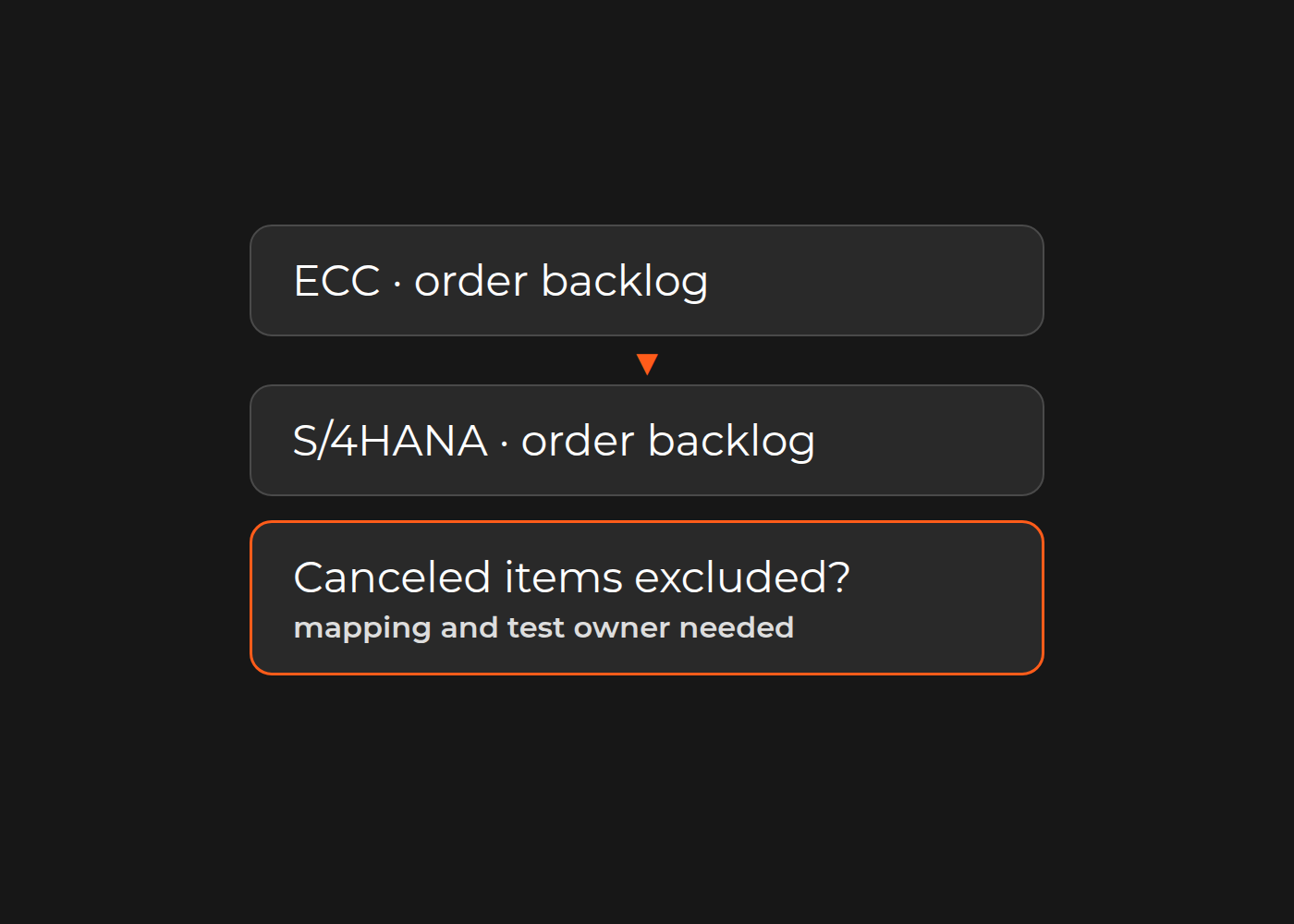
In this fictional backlog example, commercial operations counts open order quantities but excludes canceled items. The current BW flow applies that selection before distribution. The proposed mapping includes quantities but does not document the exclusion. A test report opens and returns a plausible backlog, yet comparability is not established.
The finding is precise: “The backlog report's canceled-item exclusion has no verified target mapping or test owner.” It is a missing dependency check, not a demonstrated S/4HANA defect.
Commercial operations supplies included and excluded sample orders for a control period. BI traces the current status rule. The ERP integrator confirms source-side mapping and contract coverage. The program owner assigns missing test responsibility. A comparison containing both open and canceled items can then test selection explicitly.
Turn unknowns into a bounded analytical gap
Review the register with the SAP program owner, BI lead, finance owners, and main ERP integrator. Establish who verifies dependencies, owns BI adaptation, supplies comparable baseline and target data, investigates differences, and accepts an explained change. Identify where that evidence enters the reporting-readiness decision.
Dinarys' iSi Group SAP case describes an assessment of BW/analytics data flows, integrations, reporting dependencies, component readiness, and migration risks, followed by a reporting-module roadmap. That is relevant proof of an analytical assessment component—not a claim that Dinarys completed iSi Group's S/4HANA migration or tested the fictional backlog above.
Keep ERP rollout, assessment, BI implementation, and production switching authority distinct. A source-system change does not by itself require a warehouse-platform replacement; that is a separate architecture decision.
Select one critical report and isolate its uncovered mapping, test, or owner. Use existing scope if it supplies the evidence. If not, discuss that reporting gap with Dinarys. Bring a sanitized dependency-register row, current/target versions, the ERP wave plan, a sample report definition, known differences, and the integrator's responsibility boundary. Those inputs make the next discussion about a specific missing check, not an unspecified second migration project.


Let professionals meet your challenge
Our certified specialists will find the most optimal solution for your business.