Content
E-Commerce
Nov 17, 2026
Why Ecommerce Orders Fail Between Your Store and ERP
Time to read: 7 minutes

Checkout can finish while the ERP outcome is still unknown. An order can stall because the site sold stock the ERP cannot reserve, the wrong customer account or price list reached ERP, a business rule rejected or held it, or a timeout concealed the result. Stock not syncing can mean a late feed—but also the wrong SKU, warehouse or quantity definition.
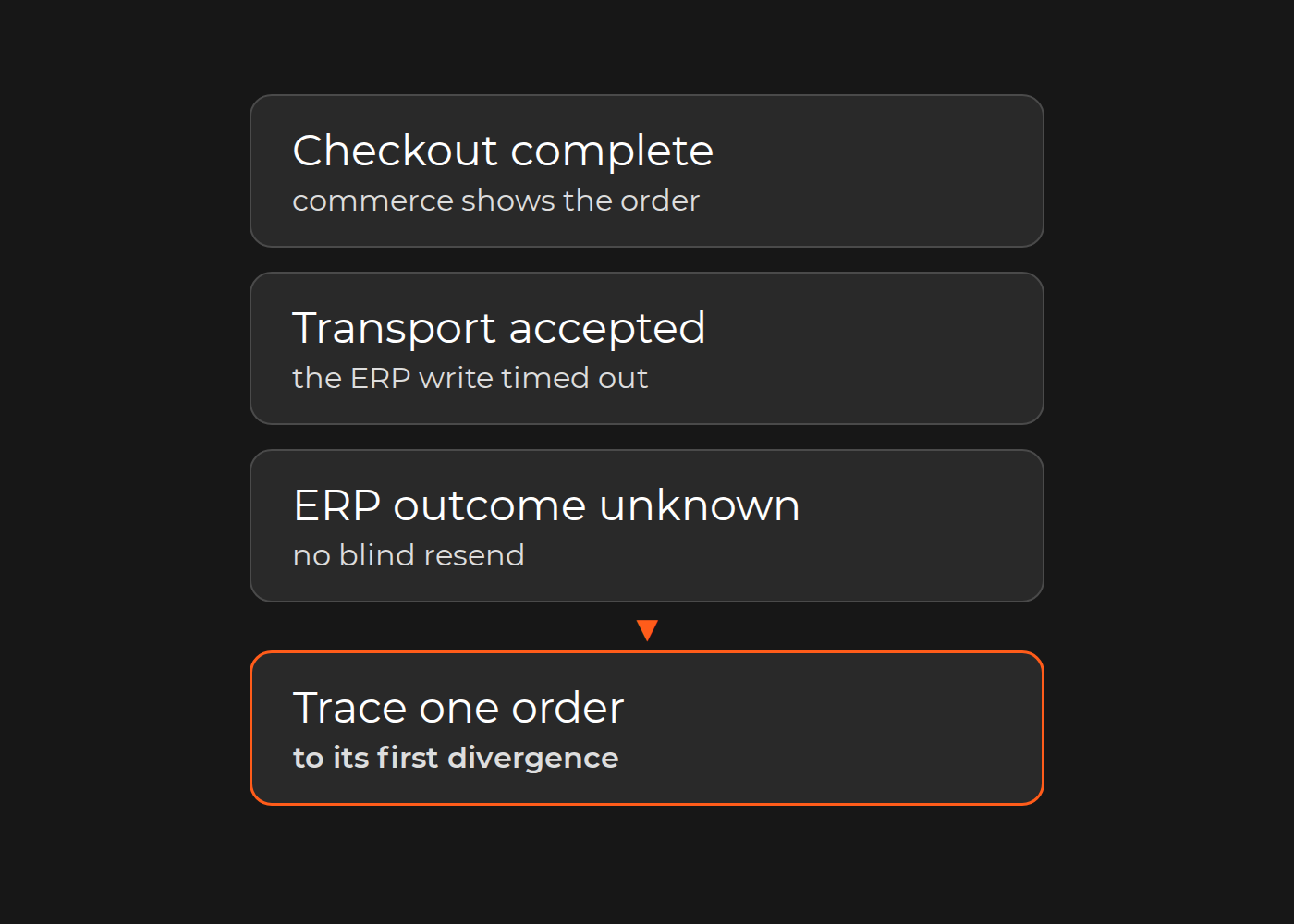
For an operations or ecommerce lead, the first task is to trace one stuck order to the first evidenced divergence. Record manual work and cancellations separately. Do not blame every credit hold or customer cancellation on integration.
Match the symptom to a safe first check
These are hypotheses, not diagnoses. Involve the commerce and ERP owners and the current connector provider where relevant.
| Symptom | First evidence to inspect | Owner and stopping point |
|---|---|---|
| Site sold six; ERP can reserve two | Feed history, SKU/location mapping, allocation times | Inventory/ERP + commerce: establish matching quantity/time basis before calling it stale |
| Correct order, wrong price | Customer/account mapping, then price-list/version/unit | ERP + commerce: resolve identity mismatch before price rules |
| No accepted ERP state visible | Destination lookup by source reference and attempt ID | ERP/integration: distinguish not sent, rejected, held and incomplete extract |
| Timeout, outcome unknown | Destination state and duplicate-handling contract | Technical owner: no blind resend while outcome is unresolved |
Trace one order without changing live records
Use authorized, read-only records. A channel/store plus source-order ID is safer than an order number alone, which may collide across stores. Preserve message, sending-attempt and ERP IDs rather than expecting one identifier everywhere.
Keep timestamps with time zones, event times and extraction time. Today's stock cannot establish yesterday's checkout availability. Where a record is unavailable, write unknown, not zero or “never happened.” Use generic references in shared worksheets; omit names, emails, addresses, payment data, credentials and full payloads. Keep restricted evidence with its authorized owners.
Do not resend an order, edit stock or change a price to investigate. Reproduction or recovery needs the technical owner's approved environment and reconciliation controls.
Worked trace: six units sold, ERP outcome unknown
All IDs, quantities, prices, times and observations below are fictional—not a client incident or tested platform configuration. Times are October 26, 2026, UTC. The assumed rule is one accepted ERP sales order for dealer-web/1042, reserving six units at W1, without backorders. The allowable exchange delay has not been supplied.
| Check | Expected | Fictional record |
|---|---|---|
| Identity | Preserve dealer-web/1042 |
Commerce created at 10:00:00; message J88 carries reference |
| Product/location | AX-BL-M→A17, six each; LOC1→W1, channel stock S1 |
Outbound matches; stock-feed mapping revision unavailable |
| Availability | Compare sellable/reservable at matching cutoff | Commerce at 09:55: six sellable; ERP at 09:59: 10 on hand, 8 held, 2 reservable |
| Reservation | Distinguish local and ERP holds | Commerce holds 6 at 10:00; ERP hold unknown |
| Account/price | C042→B700; TRADE-EUR; EUR 18/each before tax |
Commerce/outbound match; ERP-applied price unknown |
| Transport | Correlate receipt and attempts | 202 at 10:00:02 for J88; ERP write A1 timed out at 10:00:04; outcome unknown |
| ERP acceptance | Linked order, business state and reservation | Supplied 10:05 extract lacks acknowledgment; destination outcome unknown |
The first visible difference is availability: six sellable versus two reservable at different times. That supports investigating feed mapping, processing times and intervening allocations. It does not prove excessive delay without the agreed window and complete history. In the transport row, the integration's order-ingress endpoint returned HTTP 202 to commerce for message J88 / order dealer-web/1042, but its separate downstream ERP write attempt A1 timed out awaiting an ERP response, so ERP effects remain unknown. Nor does that timeout prove that no ERP order exists.
The next evidence is specific: obtain the stock-feed item/location mapping and processing history, allocation changes between snapshots, and an ERP-owner lookup of the source reference and attempt. The result may confirm stale stock, reveal mapping error or find an order created despite the timeout. Until then, keep the cause unresolved.
Separate stock, identity and business acceptance
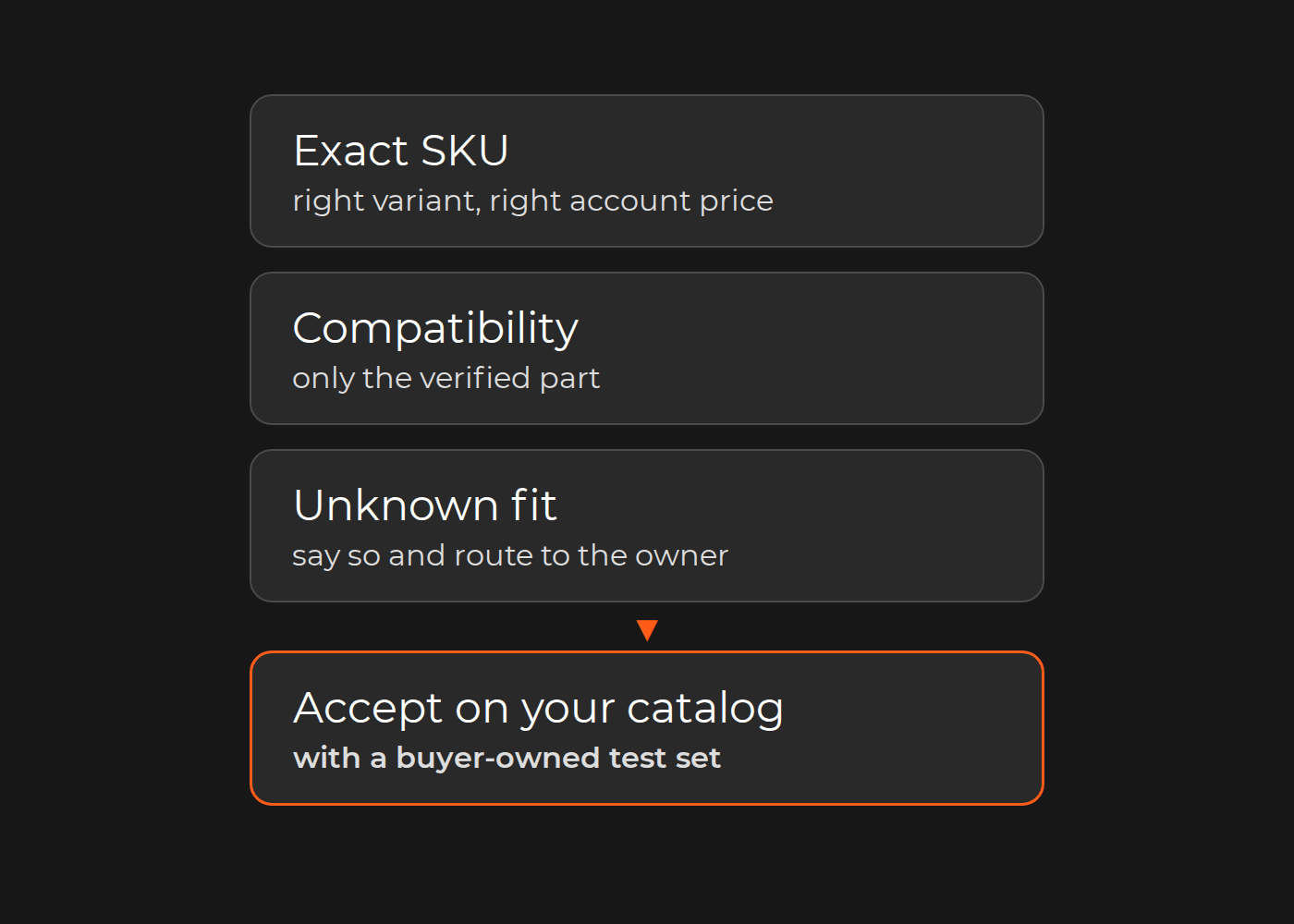
Stale stock versus wrong mapping. A stale feed delivers the correct item/location value too late. A mapping defect uses the wrong variant, pack size or warehouse; faster delivery cannot fix it. On-hand is not automatically sellable or reservable: holds, channel eligibility and configured rules may legitimately differ. There is no universal ERP subtraction formula.
Adobe Commerce distinguishes sources and stocks: physical fulfillment locations versus aggregated inventory for sales channels. Its reservation guidance separates stock-level holds on submission from source deductions on shipment. This is a platform example, not proof your ERP uses the same model; verify installed version and configuration.
B2B price versus customer identity. Compare commerce customer/company, website scope and ERP account first; then list/contract, effective date, quantity tier, unit, currency, discounts and tax basis. If the right account reached ERP but the wrong list was used, inspect price rules. If the account is wrong, repair identity mapping first. Matching email/display names is not a cross-system identity contract; CRM IDs may be another link to verify.
Adobe's customer account scope can be global or website-specific, while company assignment depends on shared-catalog/customer-group configuration. Do not assume Commerce B2B features exist in every Magento installation.
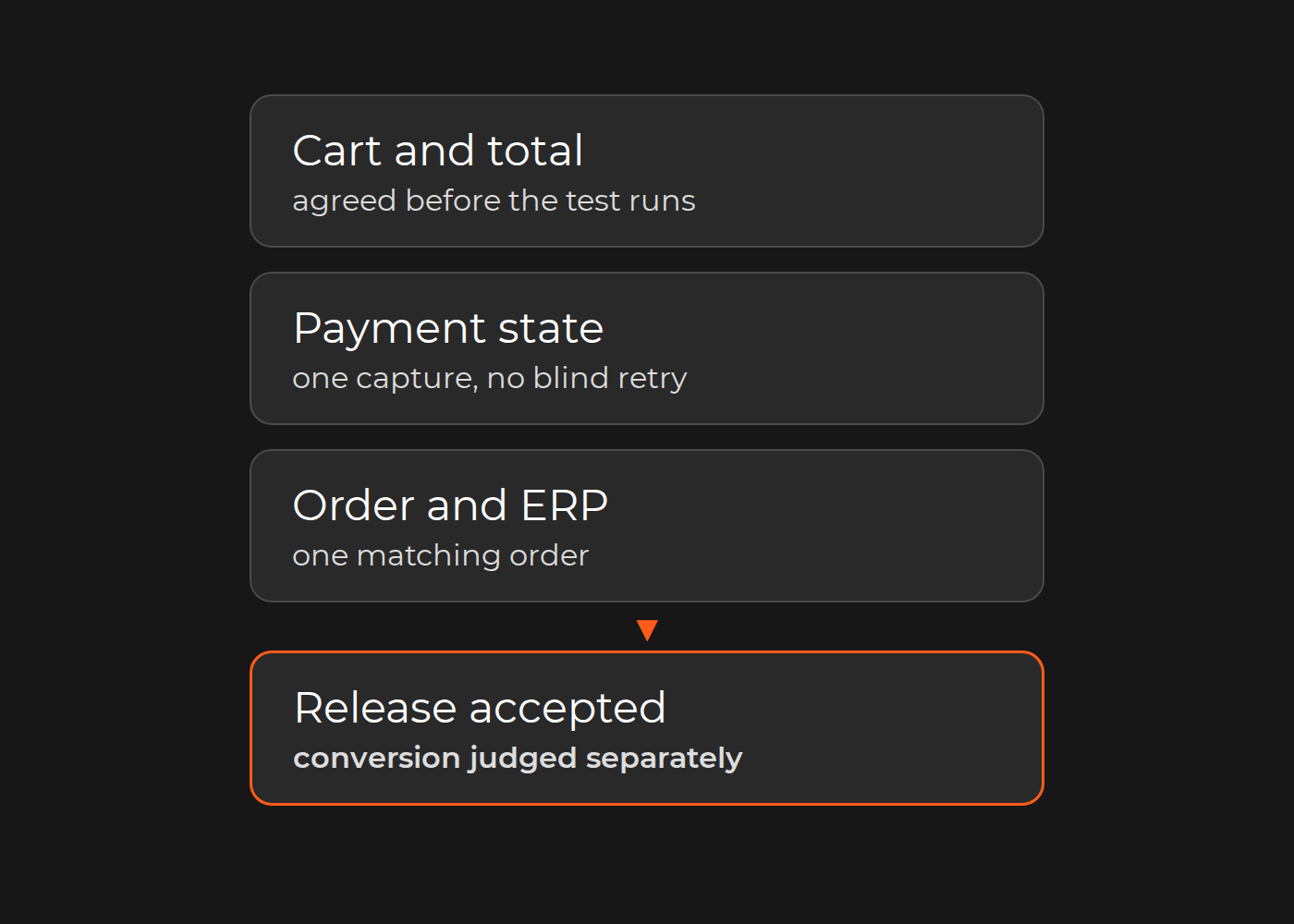
Receipt versus ERP acceptance. “Successful” needs a location and a meaning. An ERP order can exist but remain on a valid credit or allocation hold. HTTP 202 Accepted means processing has not completed. Interpret responses against the endpoint contract and returned business state, not a green transport indicator. Agree export eligibility, accepted ERP state, reservation timing and allowed delay with both owners.
Timeout versus safe retry. The request may have taken effect despite a missing response. RFC 9110 cautions against automatic retry of non-idempotent requests without knowledge that retry is safe or the original was not applied. A repeated message is not itself a duplicate ERP order; an ERP ID alone does not prove the reservation is correct. Establish destination state and the exact duplicate-handling contract. This is not a production replay procedure.
Log manual work without inventing lost sales
Set up two sheets in any spreadsheet tool: Orders, with one row per affected order, and Touches, with one row per operator session. Fill them with generic references, not copied customer data.
| Sheet | Columns |
|---|---|
| Orders | Order reference; incident references; first issue seen (UTC); expected ERP state and due time; ERP reference and state; manual work needed; cancellation scope and units; cancellation reason; cancellation–integration link; evidence references; owner and next check |
| Touches | Session reference; order references; operator role; start and end (UTC); active minutes; action and evidence |
Keep one Orders row per channel/store plus source-order ID and update it as evidence changes. Log each operator session separately in Touches. For the worked example above, two fictional sessions of four and three active person-minutes mean one affected order, two touches and seven minutes—not two failed orders. Active time is not elapsed queue time; record shared batch time once and leave missing time blank, not zero.
Assign an incident reference only when owners establish a shared disruption. Record cancellations as none, partial or full with units and stated reason. Separately classify integration's contribution as confirmed, suspected, unrelated or unknown; use not applicable when no cancellation exists. A confirmed defect does not prove it caused a cancellation. If partial becomes full, update the category rather than counting another canceled order.
Orders needing manual work and orders later canceled can overlap. Report those sets separately; integration-confirmed cancellations are a subset, not another total to add. The example has no recorded cancellation and does not demonstrate a lost sale. Measure recurrence on a fixed eligible-order window, with export rules, exclusions and cutoff visible. Logged effort is not promised savings.
Let the evidence determine the next step
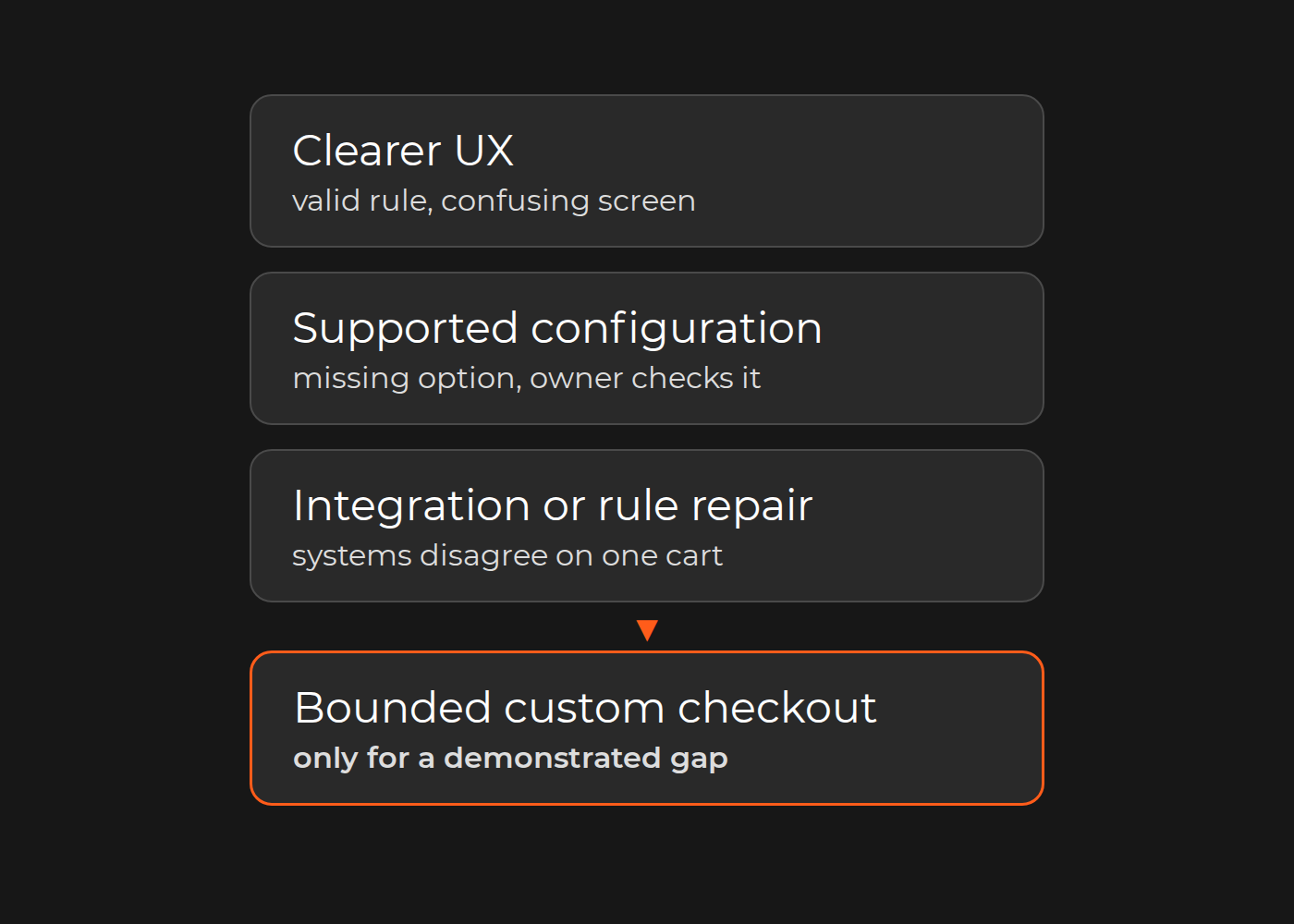
A supported connector's incorrect warehouse mapping may need ordinary vendor support, not custom integration. An acceptable delay may need a clearer operating process. Once the gap is evidenced, compare the current connector, an extension and a custom integration against the same required effects before choosing one.
There is a concrete interface example in Dinarys' SanMar case: the team built a connector that converted legacy ERP data into Magento-compatible formats for B2B/B2C product and order exchange. It supports a bounded integration discussion, not a diagnosis of your incident or proof of every pricing, reservation and retry behavior. ERP integration services is the relevant implementation path when routine support cannot close the confirmed gap.
For now, select one problematic order, verify its destination outcome with both owners and assign the next evidence check. If outside help is needed, contact Dinarys with the sanitized trace, expected stock/price rules, component versions, recurrence log and responsible owners—not a prior conclusion that the whole ERP must change.


Lassen Sie Profis Ihre Herausforderung meistern
Unsere zertifizierten Spezialisten finden die optimale Lösung für Ihr Unternehmen.